Open Coreldrawx7 first
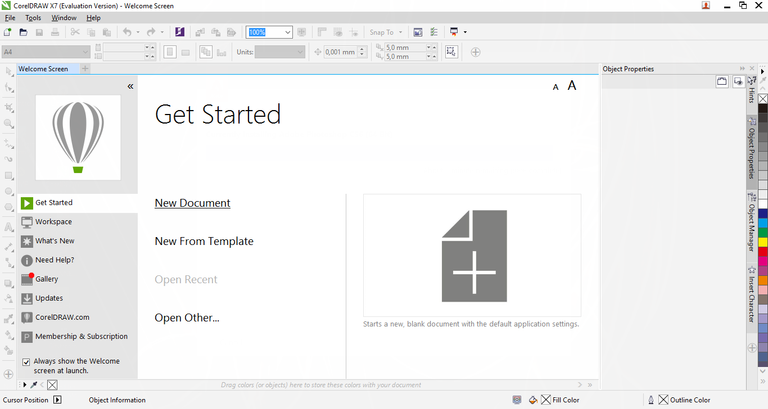
1.Now we click New Document
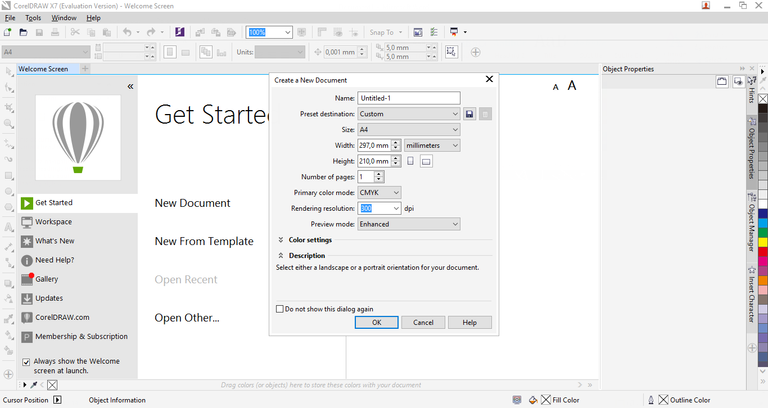
2.And click Ok
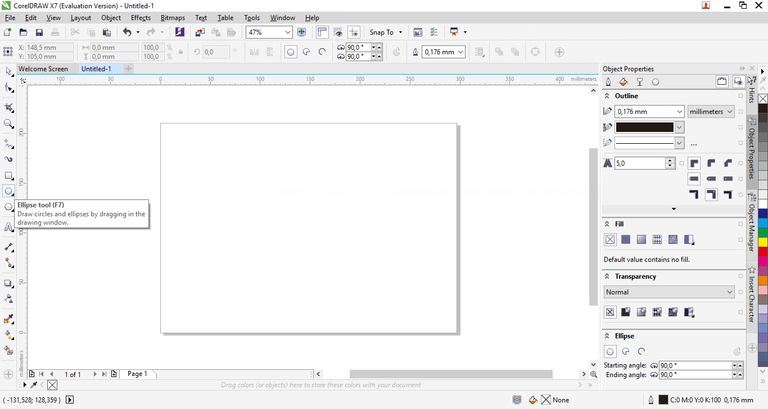
3.Now select the Ellipse tool
4.Press Ctrl so that the circle is balanced
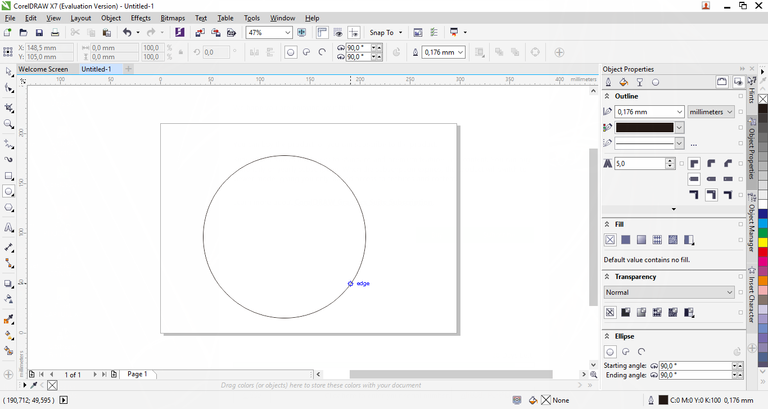
5.And choose the color you like
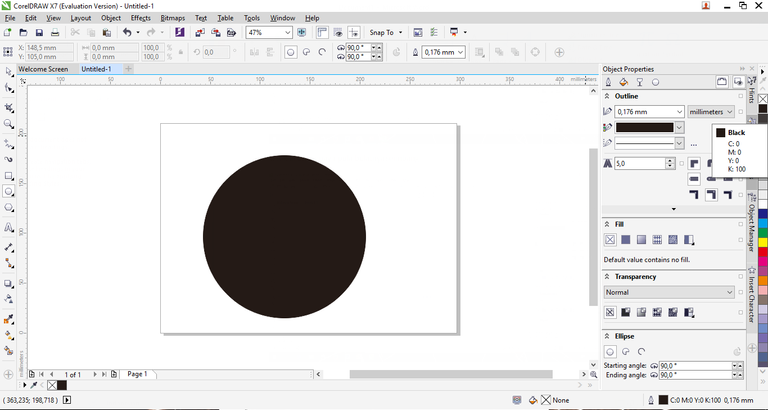
6.Copykan the created pattern with some Ctrl + C pattern and paste Ctrl + V and adjust it
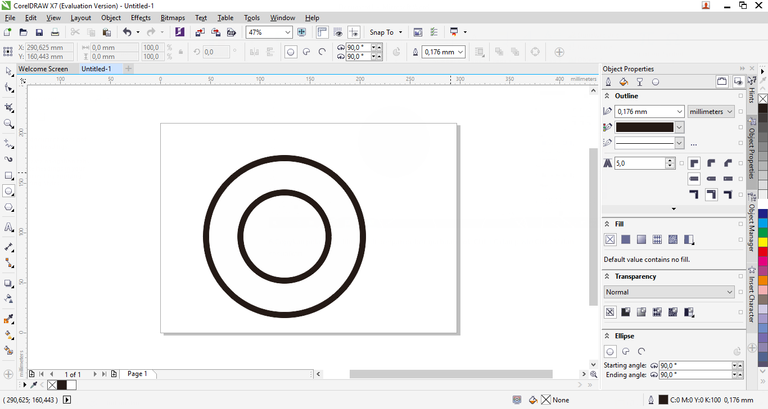
7.Now select the Text tool and write it, once written
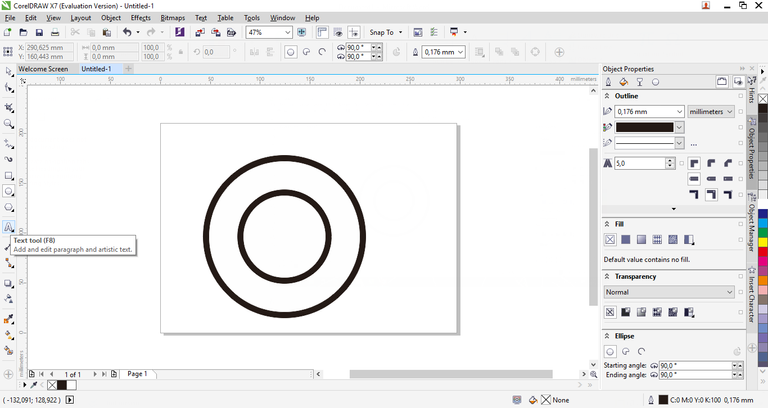
8.Write your block and select what you like
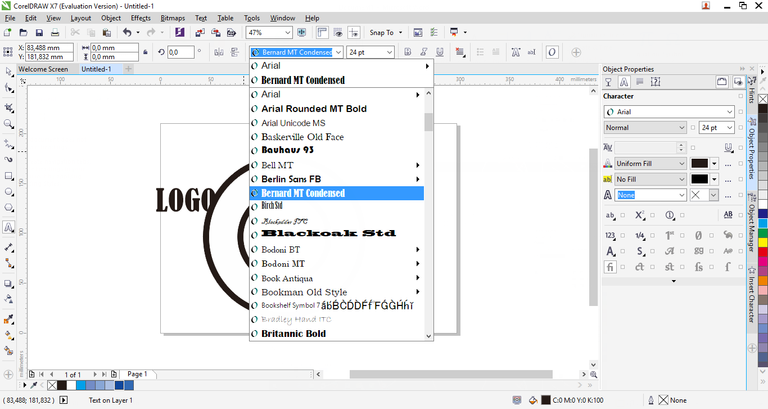
9.And select the size
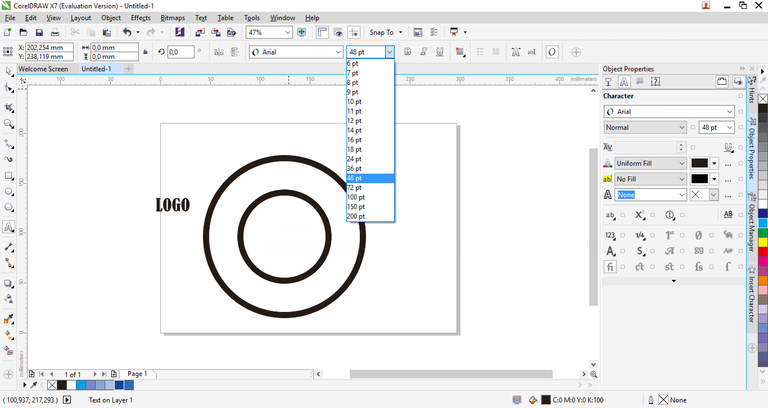
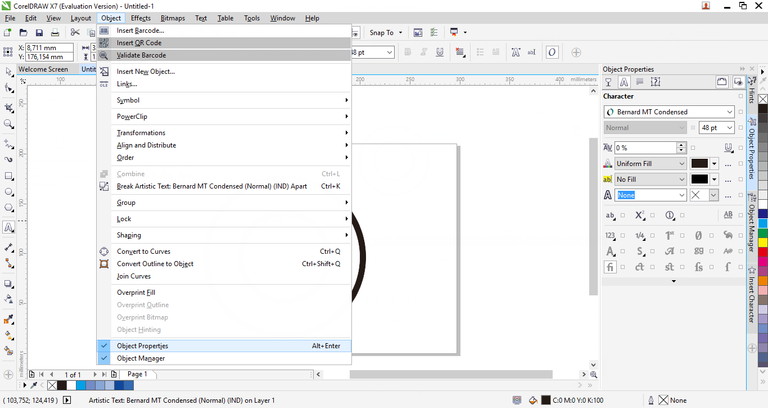
10.If you want to write a post, block it to the Menu press Object and select Object Properties and it will appear on the right side
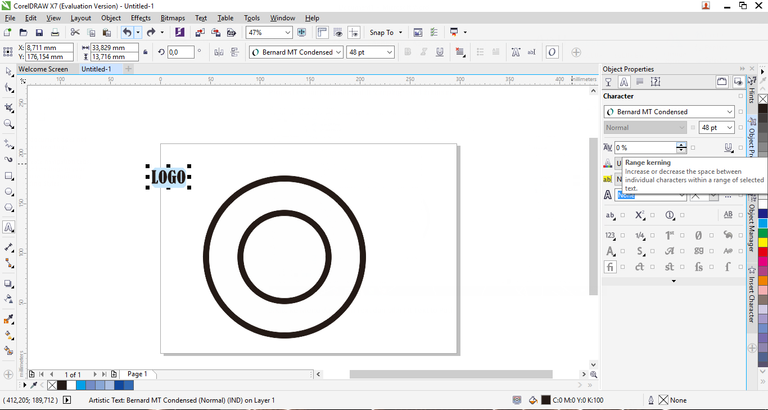
11.And set what percentage of yan you want in Range kerning
12.Go to Menu and press Text and select Fit Text to Path
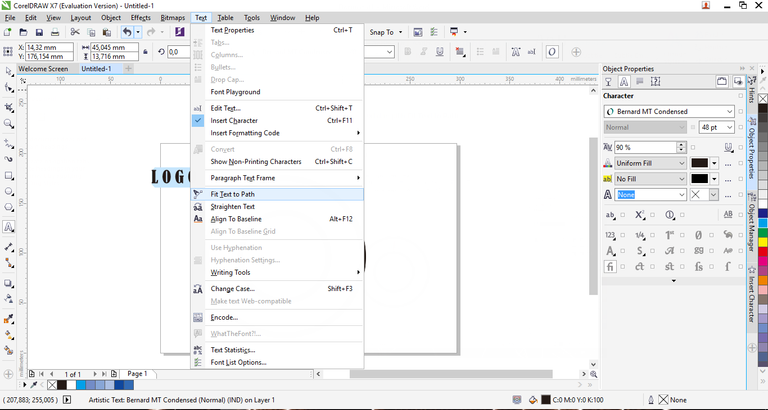
13.Sesuaika on the pattern that kailan make earlier
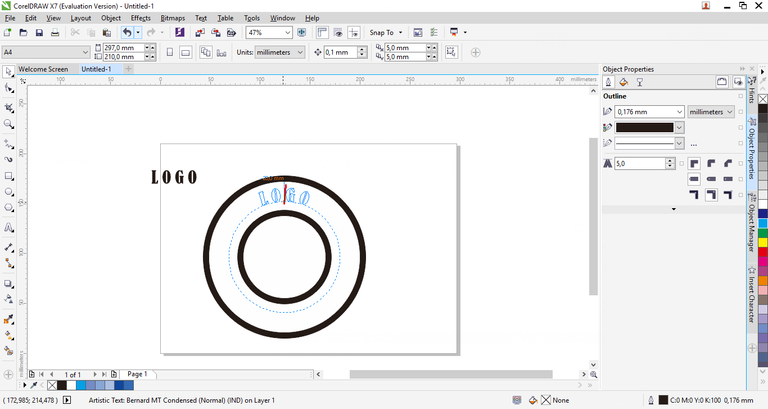
14.So also how to create a writing underneath
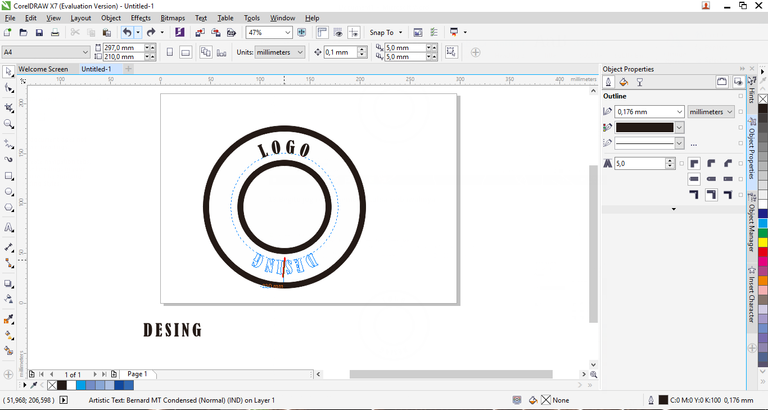
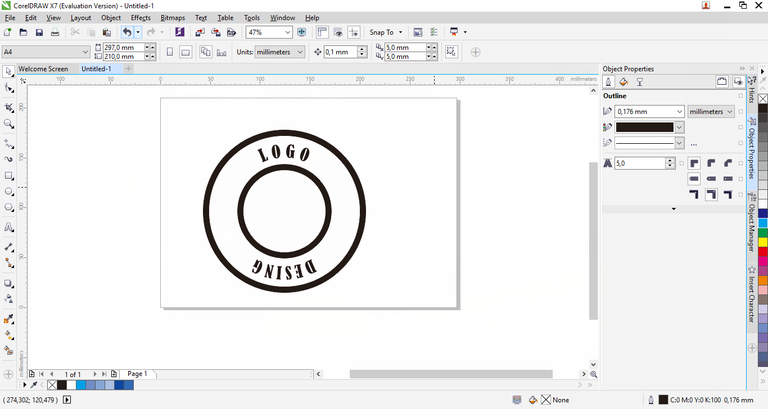
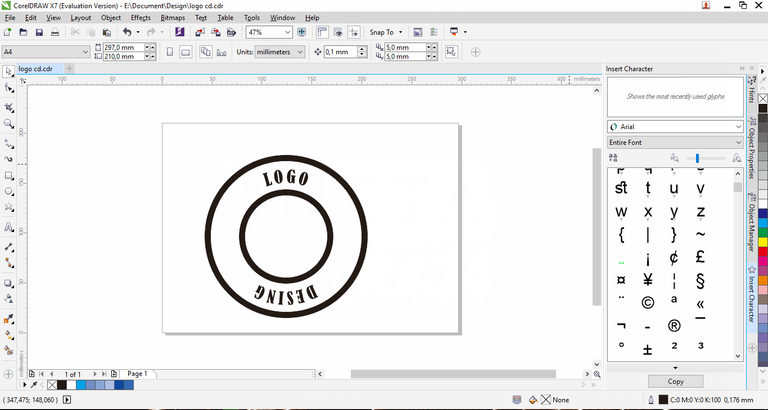
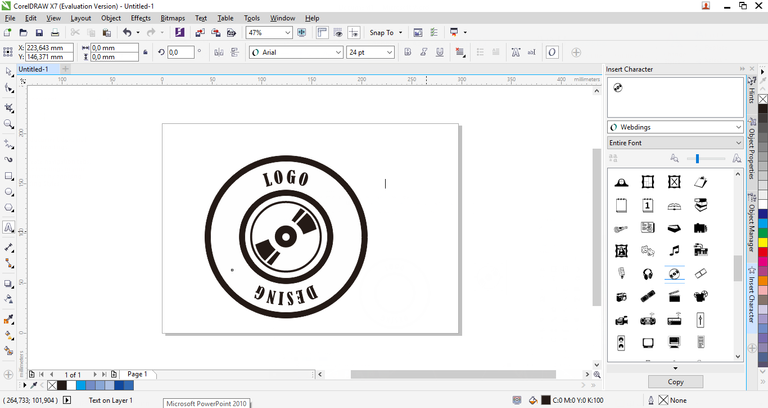
15.Now in the middle I want to add character, select the text menu, and select Insert Character
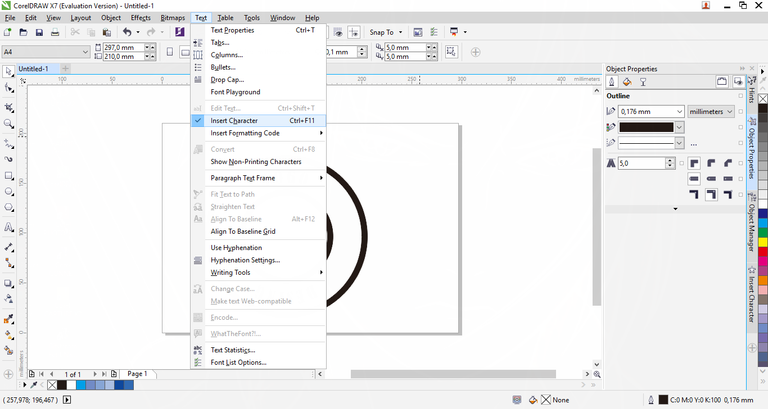
16.And it will appear like this
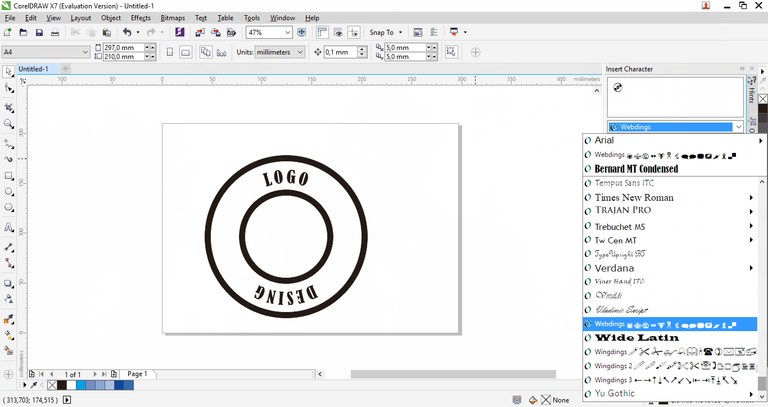
17.Sekarang kita saya pilih Webdings kalian boleh pilih yang kalian suka
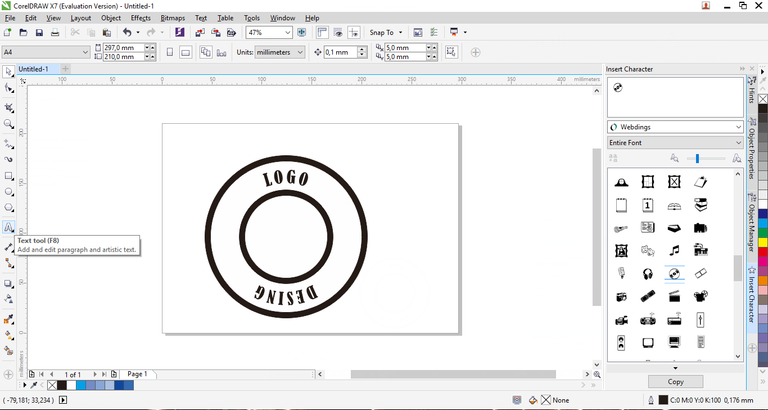
18.Here I select the Character CD, we go to the Text tool
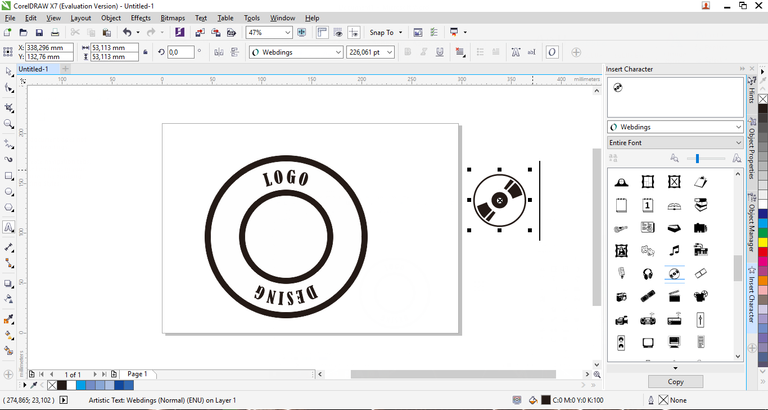
19.Press Ctrl + C and paste Crtl V, and adjust the CD size in the middle of the logo
20.we go to Polygon tool, press the arrow below it and select star
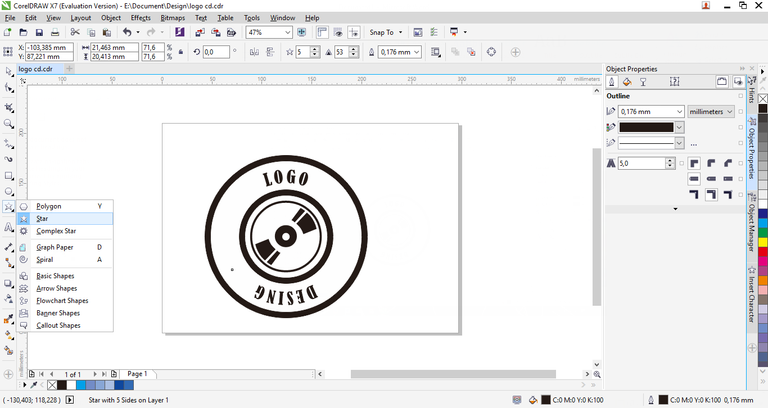
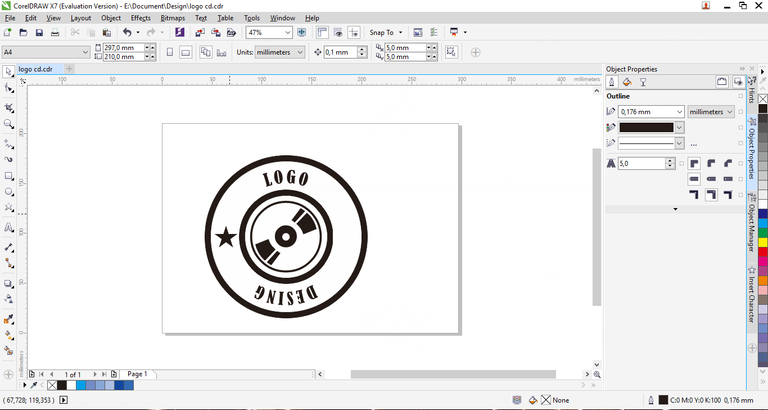
21.After you select Star, create a star pattern and choose the color you want
22.You can also copy some star fruit
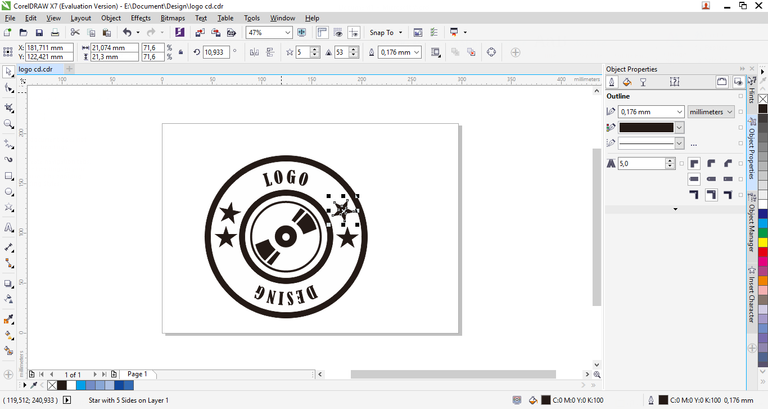
23.You can also tilt the star with duble click on the star and finish
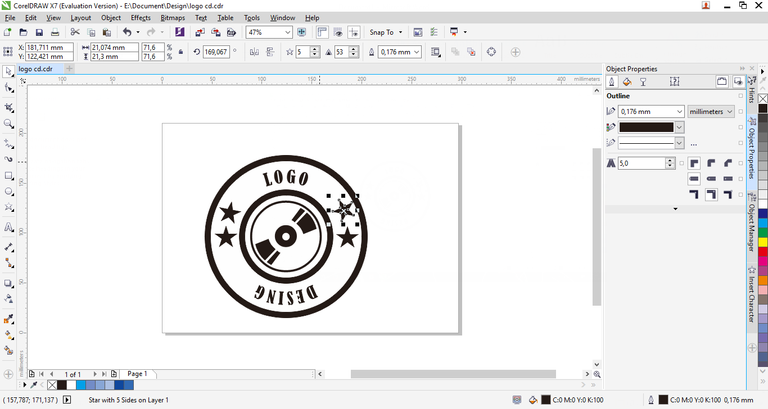
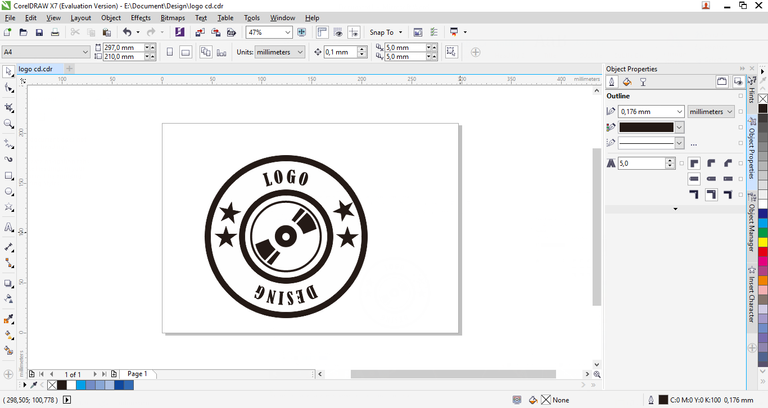
So many of my thanks ...
Congratulations @munazaky! You have completed some achievement on Steemit and have been rewarded with new badge(s) :
Click on any badge to view your own Board of Honor on SteemitBoard.
For more information about SteemitBoard, click here
If you no longer want to receive notifications, reply to this comment with the word
STOPthank you steemitboard for explanation. i will not say STOP, before I am satisfied will the results that I post for now. and I will learn again to post-posting useful for friend disteemit and can be useful for me too.