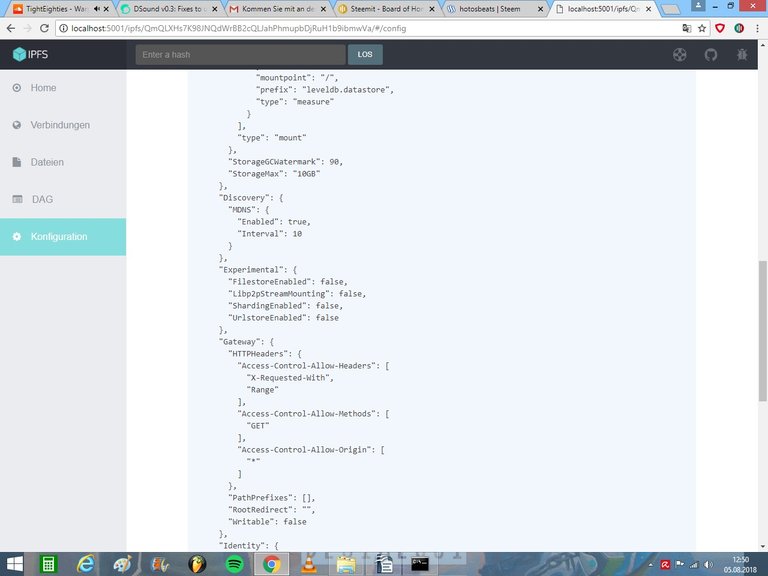
So far so good, i got it running...
ipfs is officially running on my system now BUT: dsound still says in settings: LOCAL IPFS OFFLINE. I guess there will be a little last step to combine ipfs with dsound and i searched many hours & cannot find a clear instruction or tutorial for it.

To install it i followed this tutorial:
So to say i use version 0.4.17 in combination with go.
Please check out my post regarding IPFS:
https://steemit.com/dsound/@prc/dsound-v0-3-fixes-to-upload-improved-validations-new-ipfs-gateway-tags-without-prefix-easy-ipfs-local-node-and-much-more
There you'll find a configuration file change that you have to do in order to have the server API accessible to DSound.
Hope this helps! :)
ok i will ceck it! Thank you so much in advance!
i already installed it and it was pretty difficult to get to this point. i dont know how many free spaces in that file i need to change are those letters and symbols - it seems pretty cunfusion and not very safe. i can try it and if it wont work i have to install all the same like i did before.. in the webui i see a similiar page like you show. isnt it possible to make these lil changes there too?