Good day fellows. I hope every one of is doing well and proceeding successfully with our plans.
Today I am going to present a tutorial for making a model representing formula for perimeter and area of various shapes. Here is a video of the final product. (Don’t mind the quality. Holding mobile with one hand and the model with the other is the reason ☺️)
Here is the step by step process for the product.
REQUIRED MATERIAL
🏵card sheet
🏵coloured computer papers
🏵pencil, markers
🏵compass
🏵protractor, ruler, eraser
🏵scissors
PROCESS
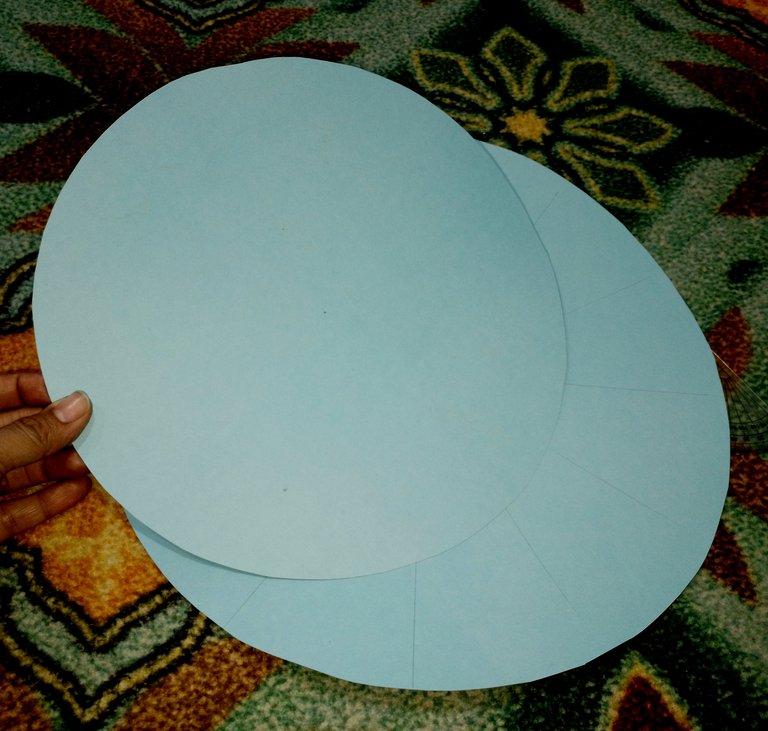
First, take a card sheet and draw two circles on it, one larger than the other, with the help of a compass. Cut the two circles a part.
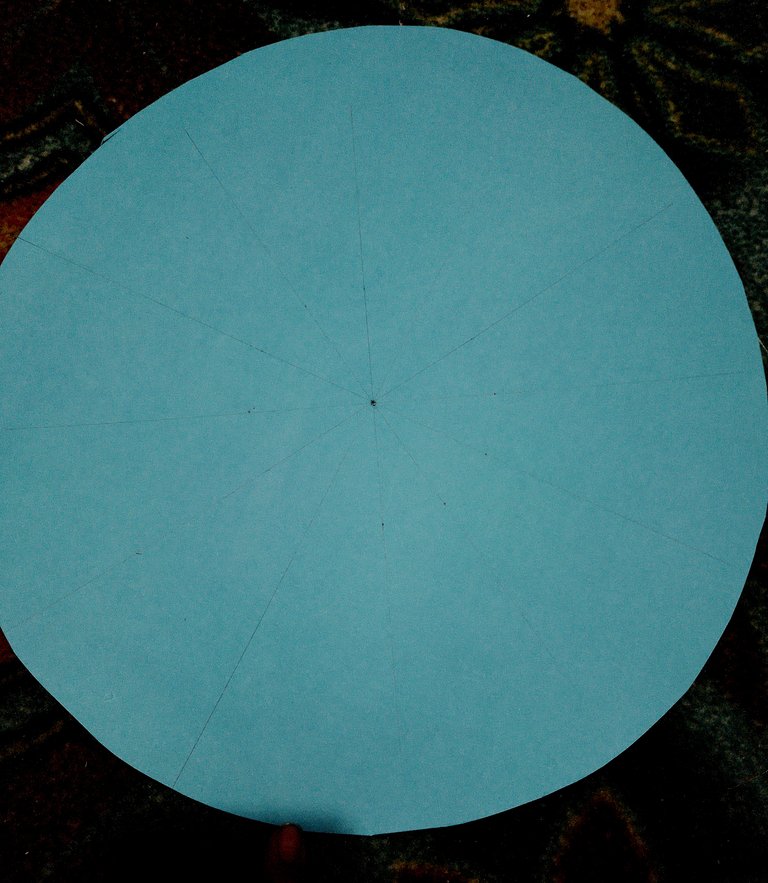
On the bigger circle, with the help of a protractor, draw lines at the angles of 30, 60, 90, 120 and 150 degrees, crossing the center of the circles.
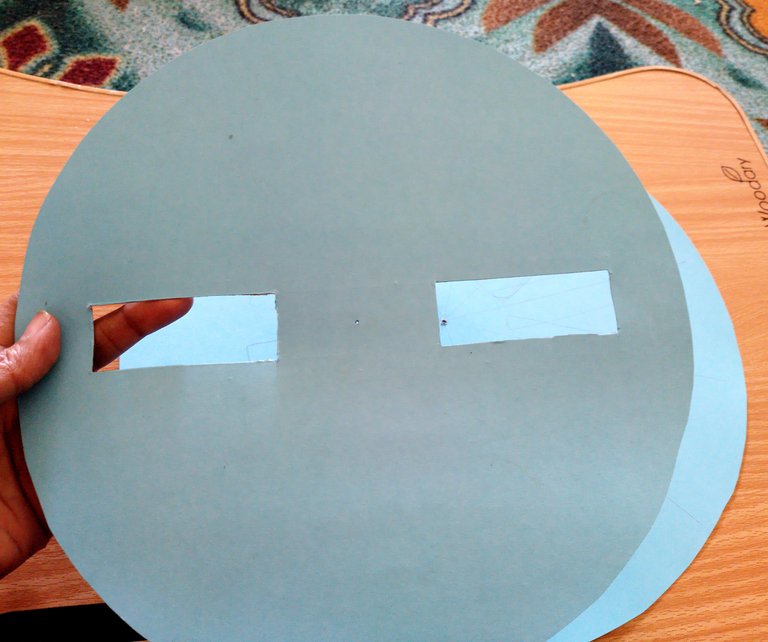
At the middle area of the smaller circle, cut two equal rectangular holes at equal distances.
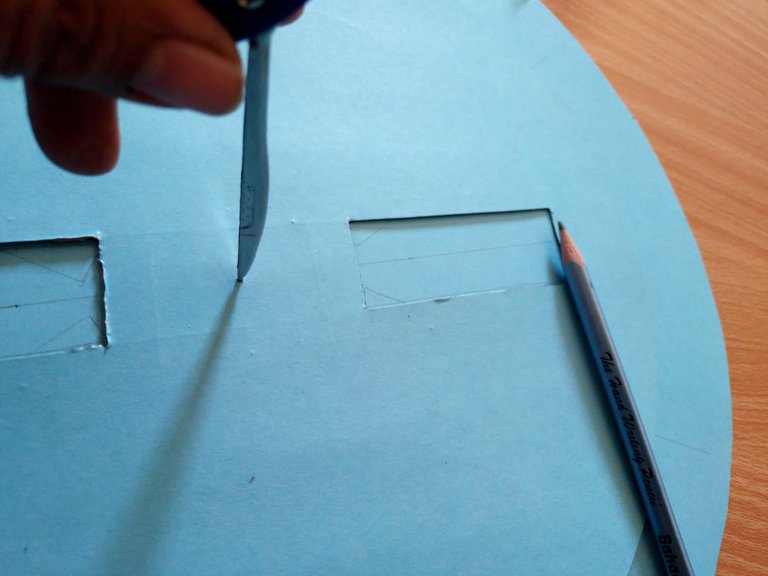
Placing the center of smaller circle at the larger one draw the rectangles on the lines drawn on the bigger circle. I used the nib of the compass to keep both the circular pieces together at the right place.
By rotating the above circle, draw the rectangular box on all the lines.
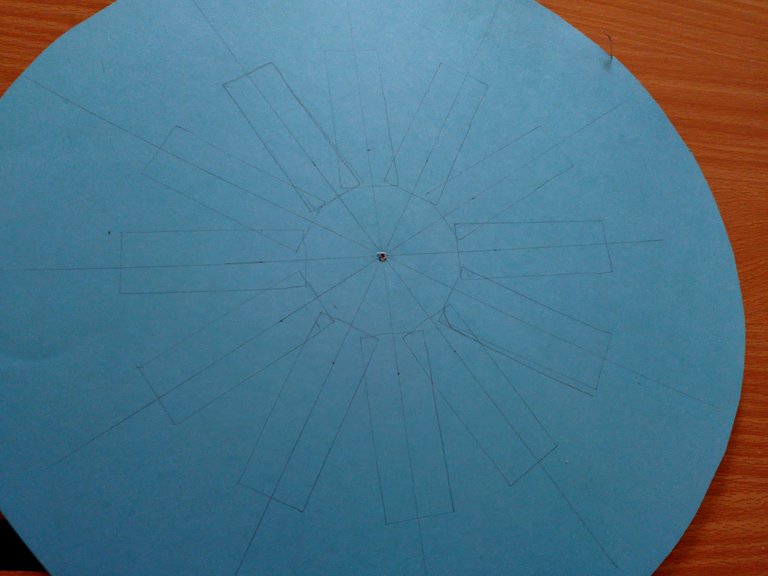
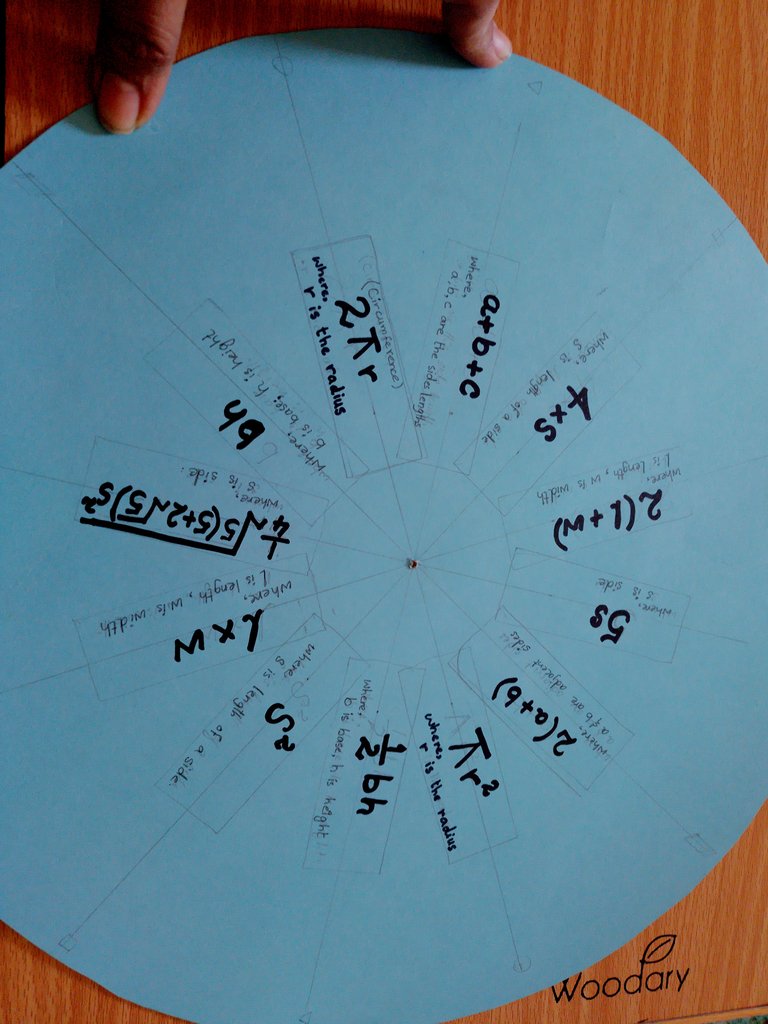
Then I inscribed the formula of perimeter and area of various shapes within the designated boxes ensuring that each shape's perimeter formula was positioned directly opposite to its corresponding area formula.
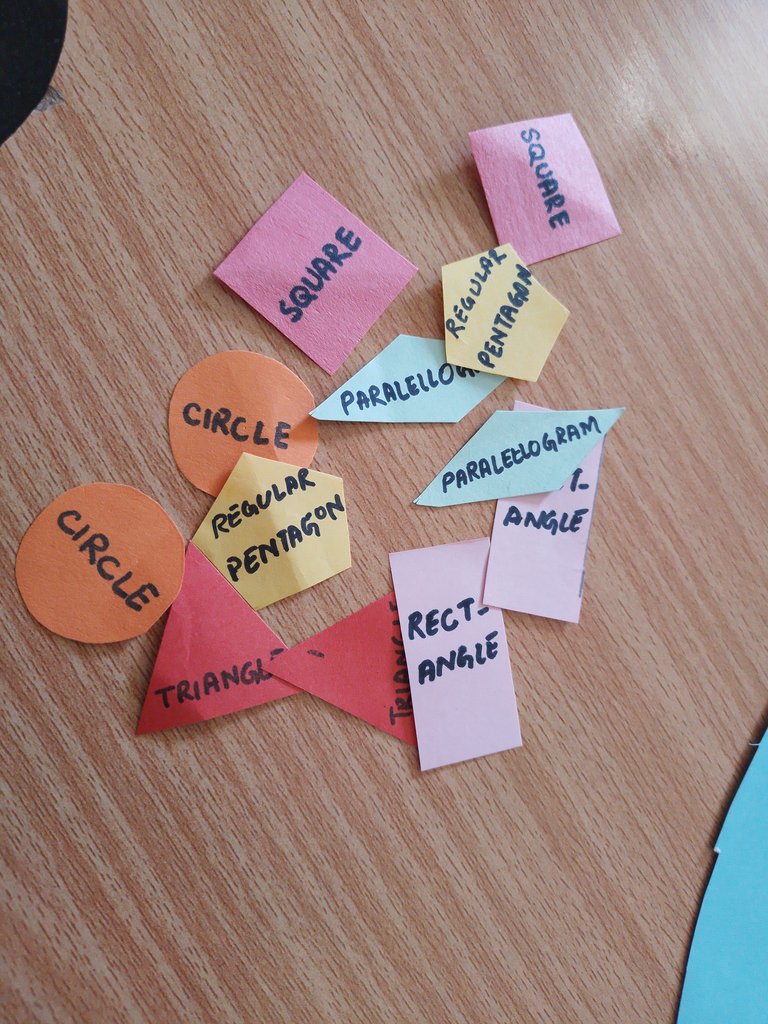
Using coloured computer papers, I cut a pair of various shapes and inscribed their name on them.
Then I instilled the shapes cuttings on the bigger circle corresponding to their formulas.
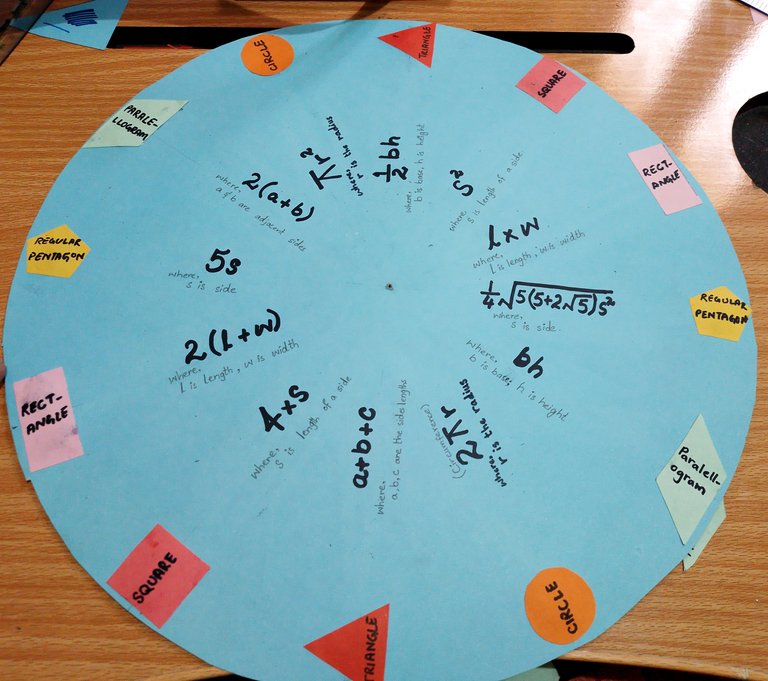
Initially I intended to use cards of different colour for the two circles. Nevertheless, with only one card sheet available I had to use the same color for both. Upon Layering one circle over the other I found the lack of contrast unappealing. To create a visual distinction and enhance the model’s appearance I flipped the upper circle revealing a subtle difference in shades.
Still finding the appearance unappealing I created another layer of design to give the model an attractive look. I gave its corner the shape of an arrow that would point towards the corresponding shape of which the formula the window would show.
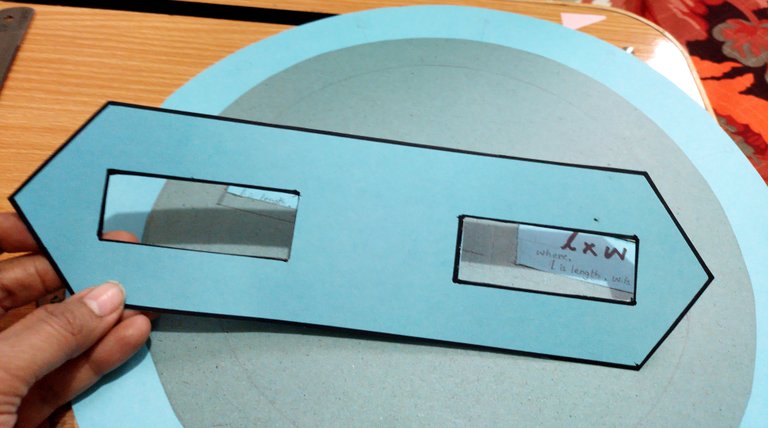
Then I inscribed the title and definition of Perimeter and Area on the layer, and pasted it on the upper circle.
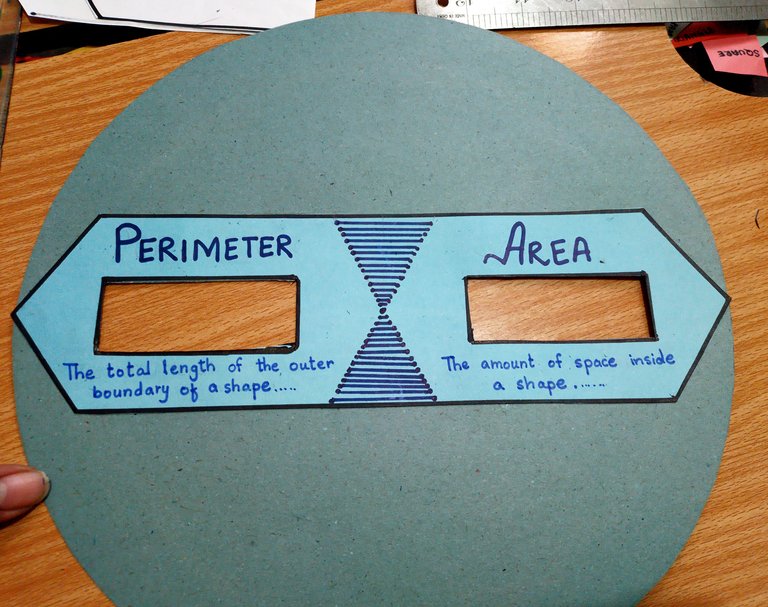
Finally, I enjoined the two circles using a small screw.
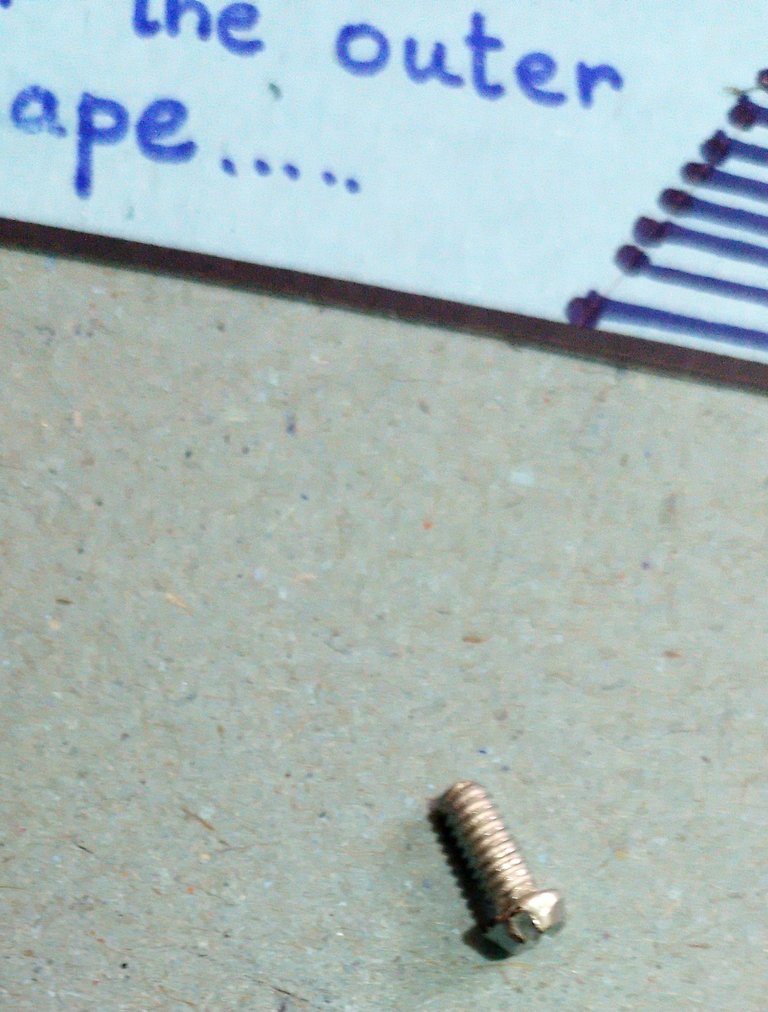
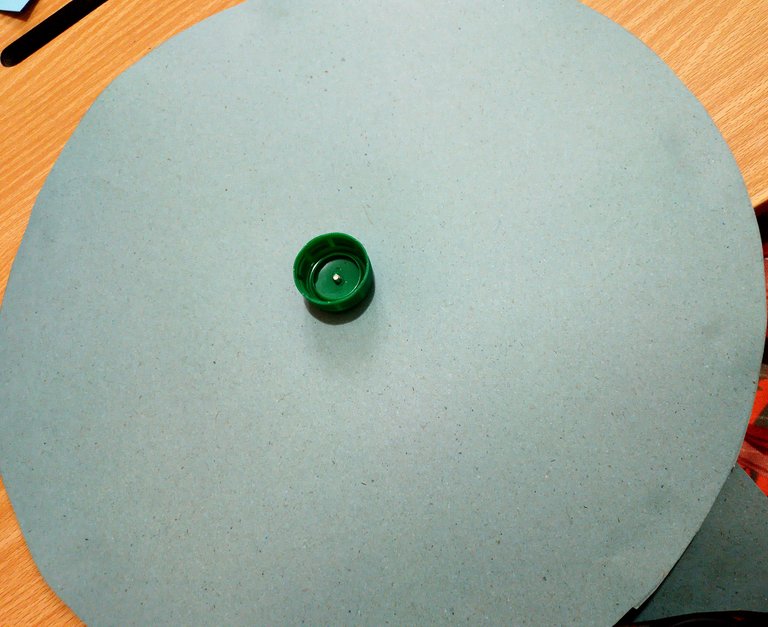
I couldn’t find a nut to fix in the screw from the back side, so I used the cover of a water bottle.
The model, demonstrating formula of perimeter and area of six different shapes, was ready. When we slide the upper circle, the windows on it reveals the formula of the shape towards which its arrows are pointing.
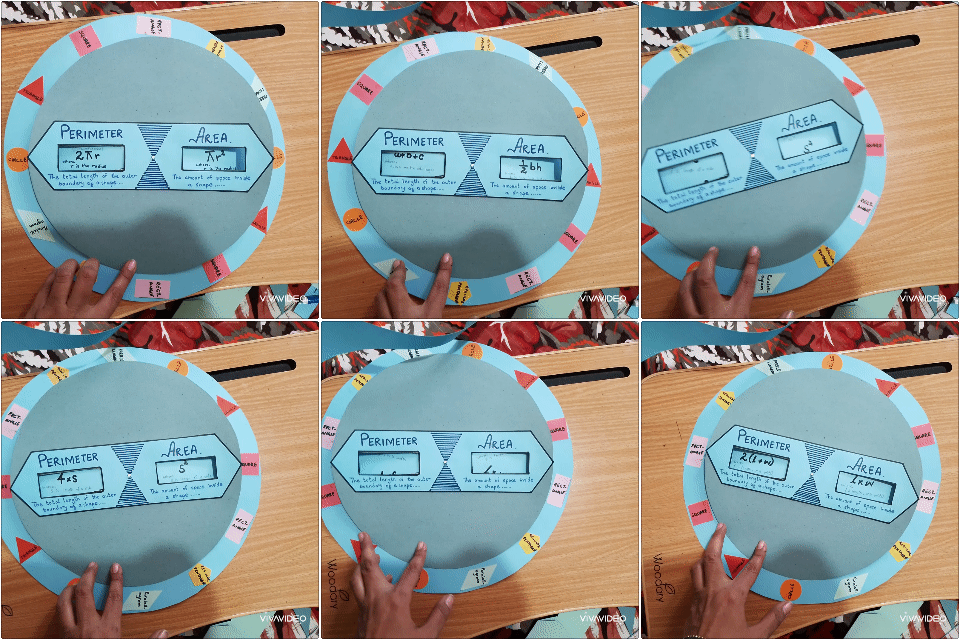
Thanks for coming around. Hope you liked the model.
All the images belong to me.
Posted Using INLEO
Thanks for the support
This post has been manually curated by @steemflow from Indiaunited community. Join us on our Discord Server.
Do you know that you can earn a passive income by delegating to @indiaunited. We share more than 100 % of the curation rewards with the delegators in the form of IUC tokens. HP delegators and IUC token holders also get upto 20% additional vote weight.
Here are some handy links for delegations: 100HP, 250HP, 500HP, 1000HP.
100% of the rewards from this comment goes to the curator for their manual curation efforts. Please encourage the curator @steemflow by upvoting this comment and support the community by voting the posts made by @indiaunited.
Thanks for the support
It's not a time machine, but it's genius! Well done, Amber. Your model will come in handy for who struggle with these concepts in Math. ✨
Yeah, not a time machine. Hehe.
Thanks for the appreciation !LADY
View or trade
LOHtokens.@amberkashif, you successfully shared 0.0100 LOH with @kemmyb and you earned 0.0100 LOH as tips. (1/14 calls)
Use !LADY command to share LOH! More details available in this post.
Wow!! this is such a wonderful educational tool for students, it will come in handy for students who find processing these concepts difficult. Well done and thanks for sharing this masterpiece with our community.
Thanks for the appreciation and support