how to install adobe photoshop
- First, open Adobe Photoshop CS3 file.
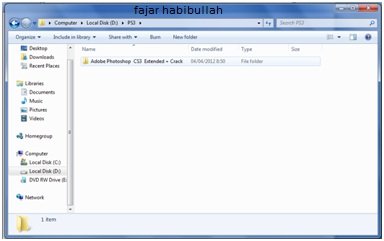
- Then, select the application setup to install Adobe photoshop CS3
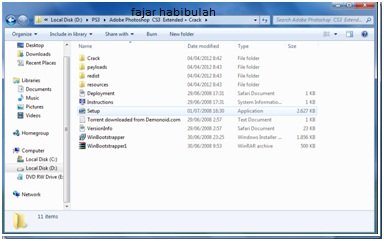
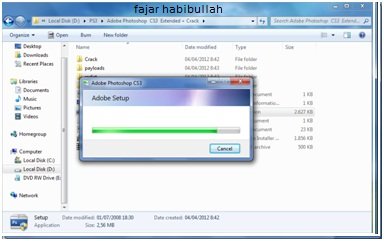
- Wait a moment.
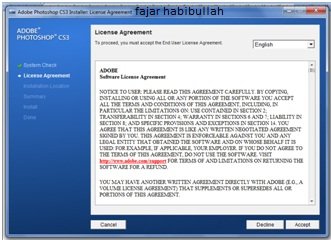
- Set the language you are using, then select Accept
- Select the installation location you want, then select Next
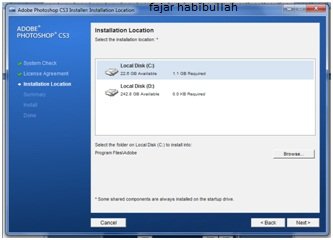
- After that, select Install
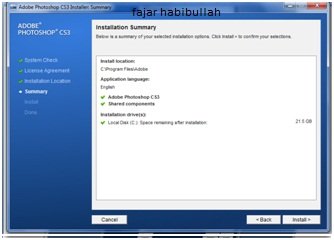
- Tuggu installation process is complete
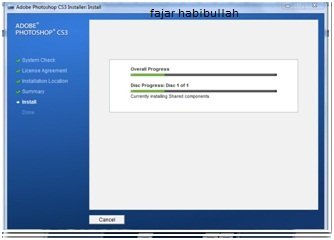
- After installation is complete, select Finish
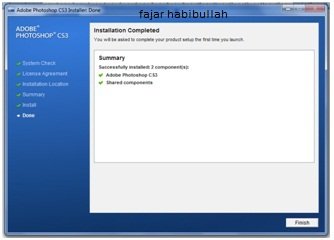
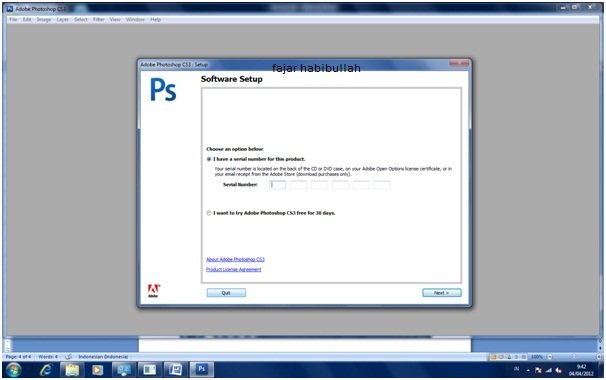
- When we open Adobe potoshopnya, we are told to choose;
- I have a serial number for this product.
If we select this, we can enter the serial number with the parent file meCrack. In this way. - I want to try Adobe Photoshop CS3 free for 30 days.
If we choose this, we can use Adobe photoshop for 30 days only.
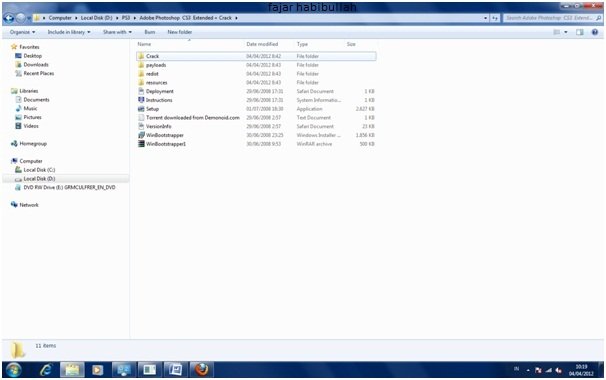
- To mencrack Adobe Photoshop CS3 file, go to Master file, then select file crack
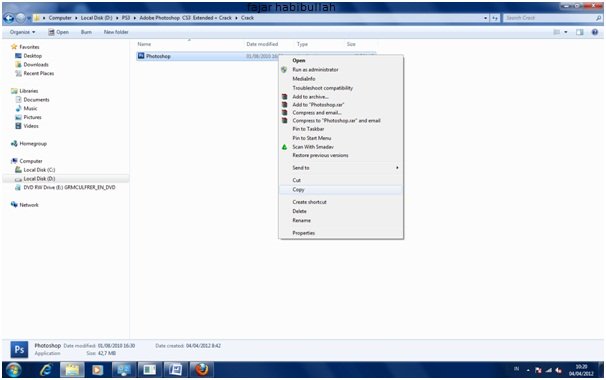
- then, copy the Photoshop app icon
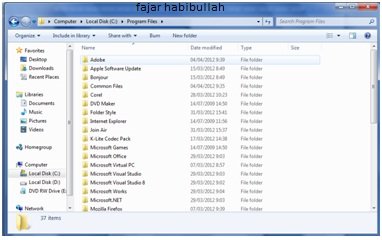
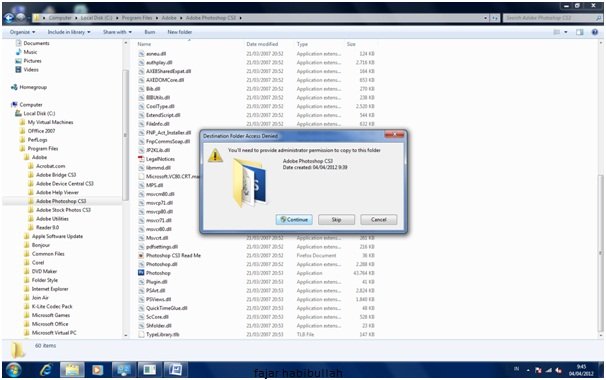
- After the copy data earlier, open Disk C that we installed earlier. Thirty Program Files folder
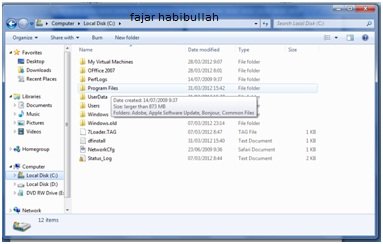
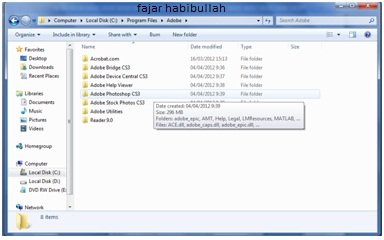
- Then select the Adobe folder.
- Then select again Adobe Photoshop CS3 folder
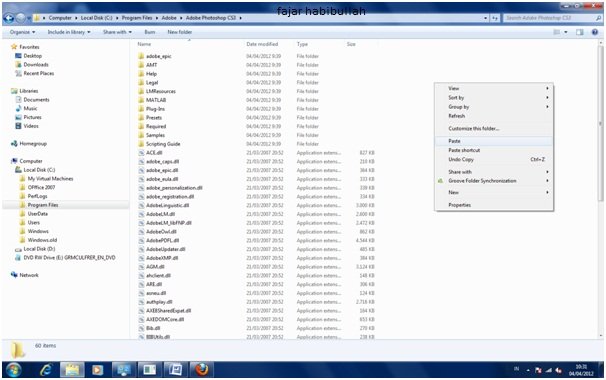
- Then we Paste on the folder.
- There is an option in the copy.
- Copy and replace
We copy the data and we replace the same and pre-existing files. - Do not copy
Do not copy data - Copy, but keep both files
We copy the data, but we do not replace and change the data that already exists
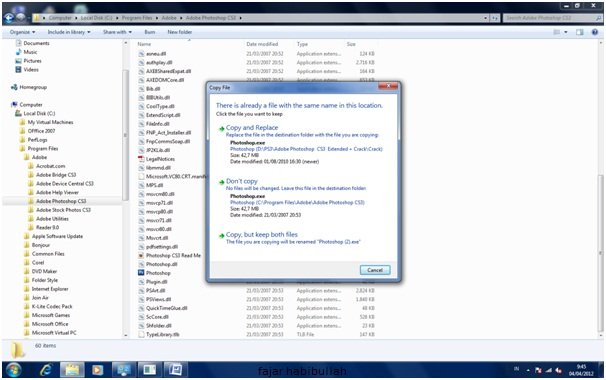
- If we select Copy and replace, then we select continue
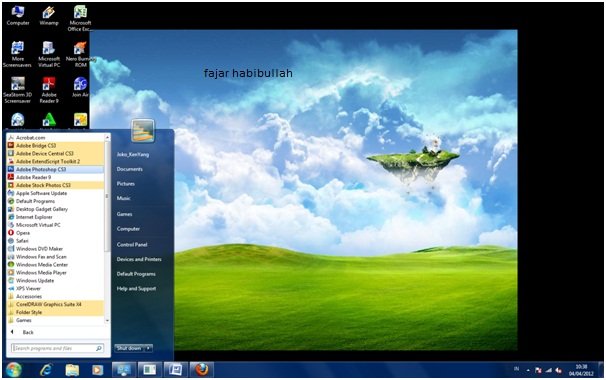
- Then open Adobe Photoshop icon
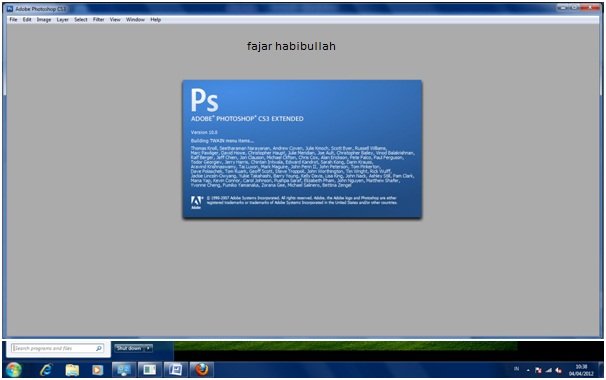
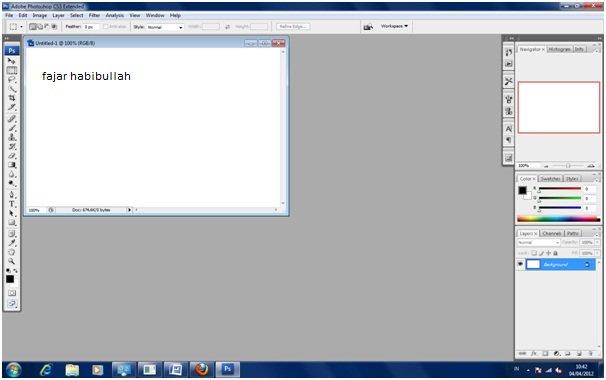
- Adobe Photoshop is ready to use
informative help
WHAT KIND OF HELP?
i wanna learn seo
What are you studying? learn to install photoshop?
Amaizing
thanks