Using keyboard shortcuts can save time and improve
your productivity while working on a computer.
Today, let’s learn some basic and useful computer shortcuts.
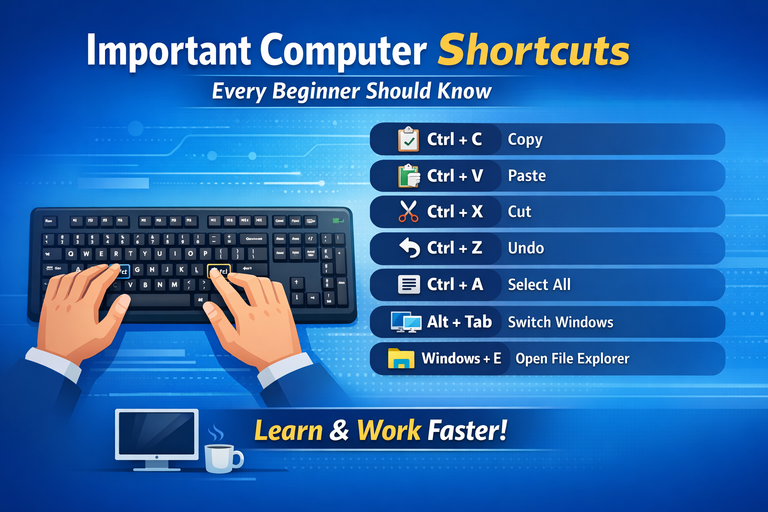
🔹 Ctrl + C
Copy selected text or files
🔹 Ctrl + V
Paste copied text or files
🔹 Ctrl + X
Cut selected text or files
🔹 Ctrl + Z
Undo the last action
🔹 Ctrl + A
Select all text or items
🔹 Alt + Tab
Switch between open applications
🔹 Windows + E
Open File Explorer
These shortcuts are very helpful for beginners
and are used daily in computer work.
In the next post, we will learn more advanced computer shortcuts.
If you found this post useful, please follow and support.
Thank you
Hello,
Welcome to Hive.
Thanks for publishing your content - we’re glad to have you here!
To help you make the most of your experience, I recommend checking out these quick guides:
Hive Guide 101: Hive 101
AI Guide: AI-Generated Content = Not Original Content
Plagiarism Guide: Why and How People Abuse and Plagiarise
Thank you.